
A well-run digital renovation folder prevents an approval buried in a message thread, an old drawing reaching the site, or a late order holding up the work. In a Lisbon flat renovation, three kitchen-plan versions, one plumbing change and several people involved are enough for information to fragment quickly. The aim is not to add paperwork: it is to make sure everyone refers to the same version, that every approval is dated, and that a decision can be checked before ordering, closing up walls or releasing payment.
Contents
- Set up one single source of truth
- Name files so that versions cannot be confused
- What needs approval before work moves forward
- Control changes without losing the contracted scope
- Connect decisions to orders and delivery dates
- Close the project with an archive that remains useful
Set up one single source of truth
Choose a platform that the client, contractor and, where relevant, designer can open without friction. A shared cloud folder is enough; the tool matters less than the rule that files must not compete across chats, personal computers and message groups.
Create one main folder with a stable name, such as “Rua X Renovation — 2026”. Inside it, use an order that follows the work:
- 00_Administration: contract, contacts, insurance, notices and qualifications.
- 01_Design: plans, specialist information, schedules and issued revisions.
- 02_Decisions: finishes, equipment, samples and approvals.
- 03_Site: minutes, photographs, programme, issues and quality checks.
- 04_Orders: accepted quotations, technical sheets, confirmations and expected dates.
- 05_Handover: warranties, manuals, record drawings and closed snag items.
Keep confirmation of the selected company in “Administration”. The IMPIC consultation portal publishes lists of companies holding licences, certificates and registrations, which is useful when checking a contractor before appointment and when a new company joins the site.
Name files so that versions cannot be confused
A document called “final plan.pdf” stops being final when somebody moves a socket. Use a pattern that identifies the subject, date and status. For example: 2026-11-17_Kitchen_Socket-Plan_R03_APPROVED.pdf. The opening date keeps files in chronological order; “R03” identifies the revision; the status prevents a proposal still under review from being used for construction.
Set four statuses and do not invent new ones halfway through:
- FOR REVIEW: information issued for comments.
- UNDER REVIEW: a question or alternative remains open.
- APPROVED: suitable as a basis for ordering or construction.
- SUPERSEDED: retained as a record, but not for site use.
Do not delete obsolete drawings. Move them to a “Superseded” subfolder and remove any impression that they remain current. This matters particularly with several floors, similar bathrooms or bespoke joinery.
In messages, do not write only “approved”. Identify the file: “Approved: 2026-11-17_Kitchen_Handle-R02.pdf”. The approval then has a precise object rather than relying on the memory of everyone in the conversation.
| Status | Can it be ordered or built? | Next action |
|---|---|---|
| For review | No | Collect comments and issue a revision |
| Under review | No | Resolve the question, cost or compatibility |
| Approved | Yes, within the confirmed scope | File evidence of approval |
| Superseded | No | Keep for record only |
What needs approval before work moves forward
Not every detail needs a meeting, yet some items should receive a recorded approval before they create cost, irreversible work or delay. Use a short decision sheet for each one: description, linked file, person responsible for confirmation, deadline, cost effect and consequence of no decision.
Prioritise:
- demolition, plumbing, electrical and suspended-ceiling drawings before closing up;
- final dimensions for kitchens, wardrobes, windows and shower trays before ordering;
- flooring, paint, tile, grout and ironmongery samples before application across a whole room;
- technical sheets for equipment affecting connections, ventilation, loads or maintenance clearances;
- every material substitution, even where it appears equivalent.
For a project under prior communication, Lisbon City Council states that the submission includes design documents and documents concerning the works, contractor and applicable technical direction or supervision. Check the council’s page on building works under prior communication to confirm the procedure for the specific case. A digital folder does not replace legal duties, but it makes the submitted version and its supporting documents easy to retrieve.
For everyday decisions, connect the folder to the weekly renovation site meeting record. Each set of minutes should point to the file that was approved, requested or corrected.

Control changes without losing the contracted scope
A change often starts with a seemingly small sentence: “while we are here, can we move this door?” Before authorising it, open a change sheet. Record the reason, proposed solution, affected drawings or photographs, price, programme effect, approver and date.
Do not mix client-requested changes with corrections to work already included in the contract. The difference is practical: the first may change time and cost; the second should be assessed against the agreed scope and expected quality. If the contract includes price revision, keep the relevant clause, communications and supporting documents in the same folder. See how to frame a price revision in a 2026 renovation before accepting additional amounts.
Where licensed or communicated works change, do not assume that updating a working drawing is enough. Lisbon City Council has a specific route for changes during construction. Check with the responsible professional whether a formal update is required before the change is carried out.
Connect decisions to orders and delivery dates
The digital folder should also expose foreseeable hold-ups. For every item with a supply lead time, create a sheet including: approved version, supplier, reference, quantity, stated lead time, decision deadline, delivery location and person receiving it.
The important date is the decision deadline, rather than only the supplier’s promised date. An internal door may be needed before skirtings; a concealed shower mixer may determine the wall before tiling; a worktop may depend on the final measurement of the cabinetry. If approval arrives after that deadline, the workfront may stop or proceed with a temporary solution.
Use one straightforward rule: no item enters the order list without an “APPROVED” file attached. If an item is substituted because it is unavailable, issue a new revision, compare technical sheet, finish, dimensions and lead time, and only then update the order. This avoids receiving an alternative that looks right on paper but does not suit the installation already completed.
Close the project with an archive that remains useful
At handover, the folder changes from a day-to-day coordination tool into the home’s practical record. Gather photographs of plumbing and cabling before walls are closed, record drawings, warranties, manuals, paint and finish references, maintenance contacts and handover confirmations.
Photographs need a date, room and short note: “kitchen, worktop wall, water supply before closing”. An unlabelled album quickly loses value. For a useful record, see the Obra Lisboa guide to renovation photo records for payment control and future repairs.
A private works contract must include, among other items, the parties and qualifications, subject matter, value, duration and payment terms; the IMPIC guidance on works contracts is a useful reference for checking that minimum content. Save the signed version in a non-editable format and link every change to its corresponding approval.
Before archiving, make one final check: does every installed item have a manual and warranty? Does every approved change appear in the record drawings? Were snags closed with a photograph or written confirmation? This reduces the need to reconstruct the renovation from scattered messages when a repair is needed later.
Key takeaways
- Use one shared folder as the single live record instead of treating message threads as an archive.
- Name files with a date, revision and status; “final” is not a reliable status.
- Approve changes and substitutions in writing before ordering or building.
- At handover, keep record drawings, installation photographs, warranties and manuals together.
Before starting a renovation, ask Obra Lisboa for a proposal with a clear scope, named responsibilities and decision milestones. A properly prepared kick-off meeting makes it possible to set up this folder from day one and keep the project understandable for everyone involved.
Sources and further reading
- IMPIC guidance on works contracts
- IMPIC consultation portal
- building works under prior communication
- changes during construction
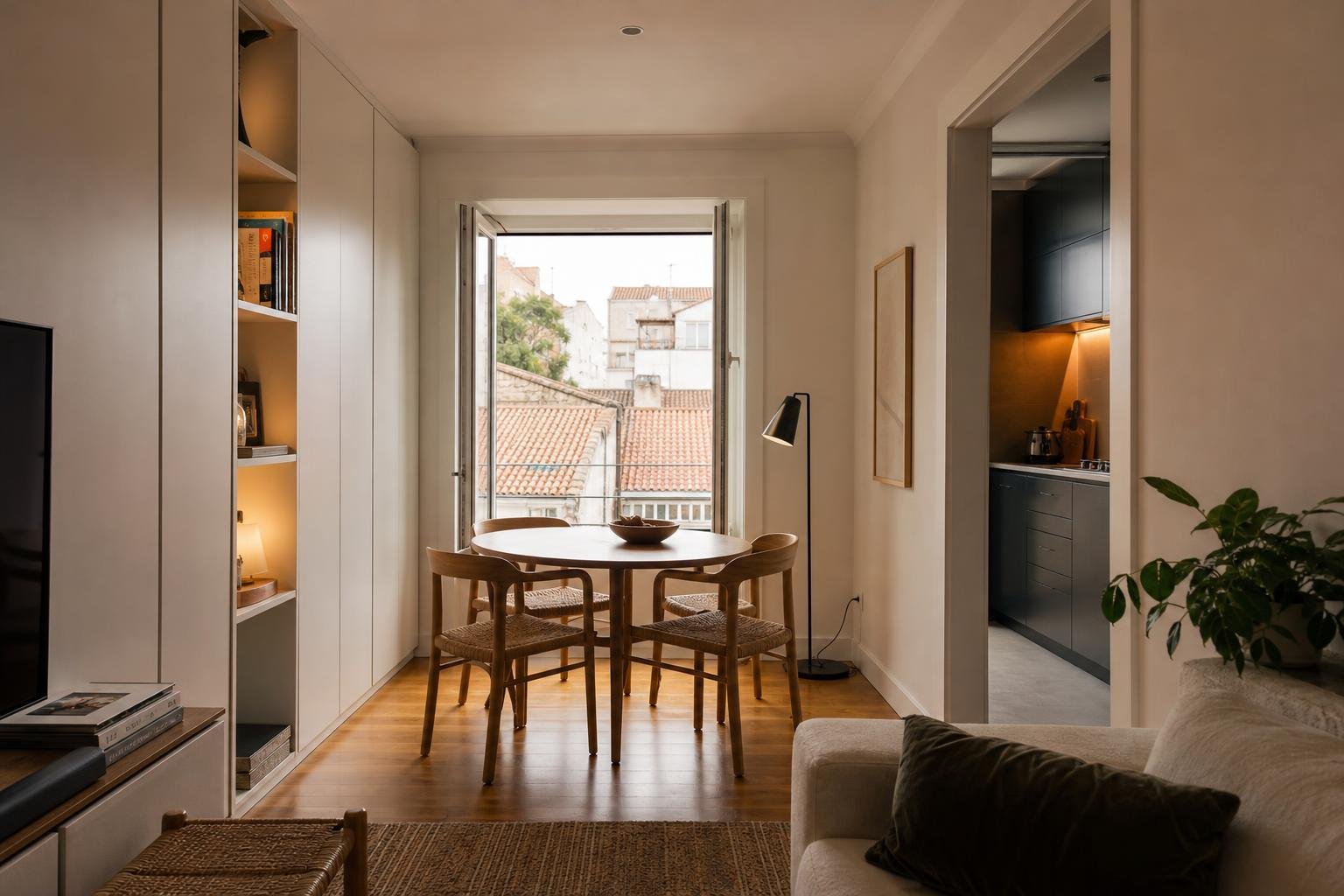
Editorial image; it does not depict an Obra Lisboa project.

Obra Lisboa